Add a photo
Choose a JPG, PNG or WebP up to 5 MB, drop it into the editor, or paste it from your clipboard.
Bring back the direct flash, soft focus and cool CCD color of an early-2000s snapshot. Pick a look first, then fine-tune its grain, color and glow.
 Original2004 Digicam
Choose a photo to start editing.
Sample photo
JPG · no watermark · up to 1080px wide
Loading the sample photo.
Your photo stays in this browser. Nothing is uploaded.
Your image stays in the browser while the editor applies the effect. Use the preview divider to check the difference before downloading.
Presets combine camera-era color and texture. Sliders let you adjust how strong each treatment feels.
For original flip-phone and pixel designs alongside your 2000s snapshots, try the Y2K wallpaper generator.
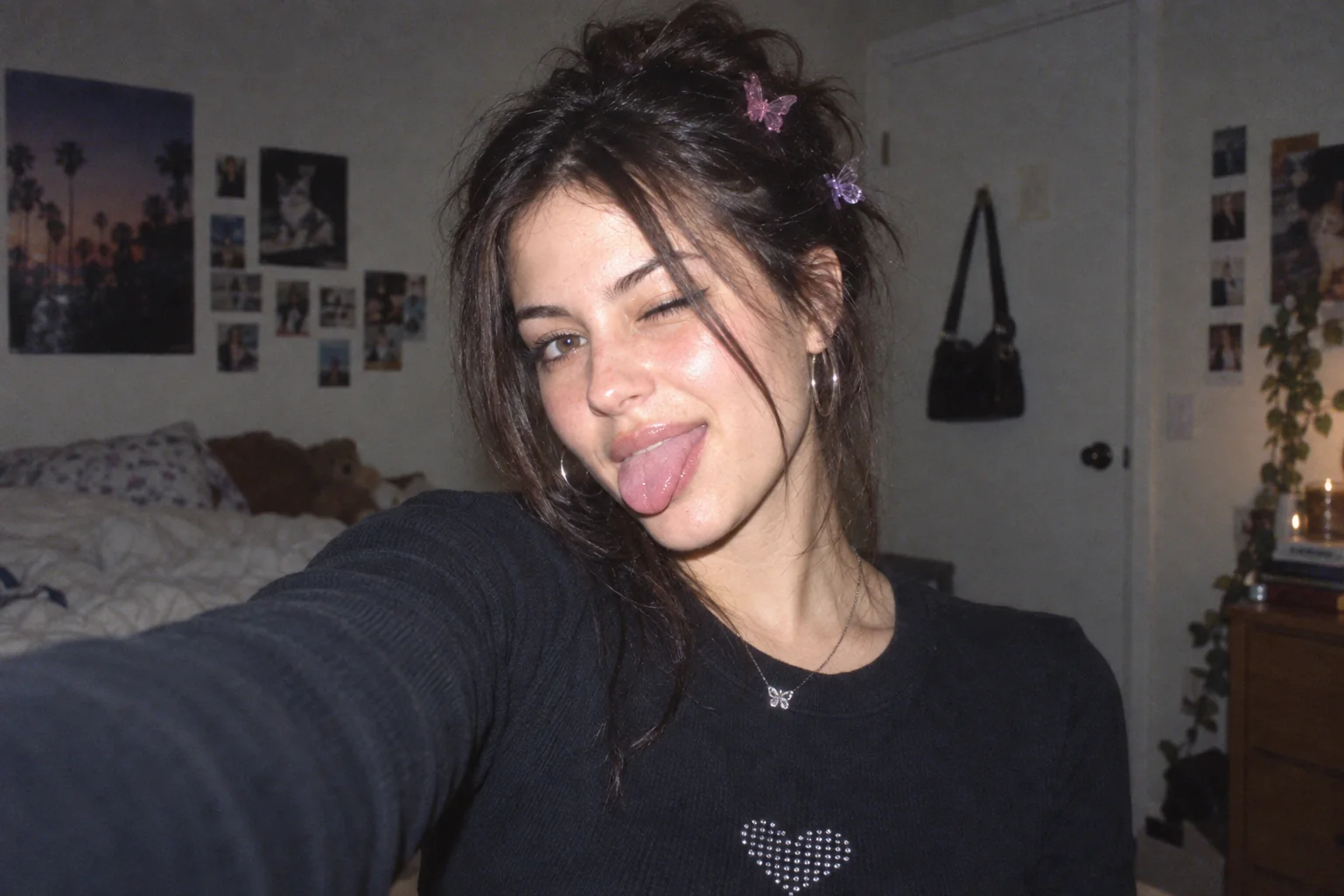
The same original sample is rendered locally with each preset. It is a generated demo image, not customer work.
Choose a JPG, PNG or WebP up to 5 MB, drop it into the editor, or paste it from your clipboard.
Start with a preset. Open More controls when you want to tune the individual effect.
Drag the divider to compare the original and edit, then export a no-watermark free copy up to 1080px wide within the daily allowance.
Every current effect and preset is free to use. Downloads have no watermark, are limited to 1080px wide and share a limit of 5 exports per UTC day. Pro is not available yet.
| Capability | Free | Pro (coming soon) |
|---|---|---|
| Photo effects & presets | All available presets | No paid preset is live |
| Image exports | No watermark · up to 1080px wide | Original-size export · Coming soon |
| Daily export allowance | 5 exports · resets at midnight UTC | Not available yet |
| Batch processing | One image at a time | Coming soon |
| Video filters | Photo editing | Coming soon |
| Saved presets | Use built-in presets | Save and share presets · Coming soon |
| Commercial use | Personal use | Commercial license · Coming soon |
No account or payment is needed for free editing. Paid features and the waitlist are not open yet.
Share the browser editor on a compatible site. Photos are still processed on the visitor’s device.
Choose the 2000s filter for a quick flash, webcam or MySpace-style snapshot. Choose the Digital Camera Filter for its larger catalog of camera-era presets and separate warmth, highlights, shadows and bloom controls. Both process your photo in the browser.
Start with 2004 Digicam, adjust Color shift, then open More adjustments and lower Flash bloom. Color shift and flash are separate controls, so you can keep the cool snapshot palette while restraining bright areas.
Choose Early Webcam for visible noise, softer detail and a low-resolution-style color treatment. Fine-tune Grain and Soft focus to suit the photo. It simulates the look within your image rather than capturing a webcam frame.
No. Orange date stamp is a decorative camera-era overlay, not a capture date read from your file. Toggle it under More adjustments and check the preview before downloading your 2000s edit.
A 2000s filter usually imitates snapshots from that decade, with direct flash, cool digital-camera color and grain. Y2K is a broader early-internet aesthetic that can include those camera traits.
Open More adjustments and turn on Orange date stamp. You can preview it before exporting.
Start with the MySpace Snapshot preset, then adjust soft focus, grain and flash bloom to suit your photo.
Yes. All current presets and controls are free, and downloads have no watermark. Choose a JPG, PNG or WebP up to 5 MB; no app or account is needed.
No. Your photo is decoded, edited and exported on your device; the image is not uploaded to an image-processing server.
Free downloads are limited to 1080 pixels wide and five exports per UTC day. The allowance resets at midnight UTC.
Current free exports are for personal use. A commercial license is planned, but it is not available yet.