Add a photo
Choose a JPG, PNG or WebP up to 5 MB, drop it into the editor, or paste it from your clipboard.
Give any photo the look of an older digital camera — pick the era, or start with the default.
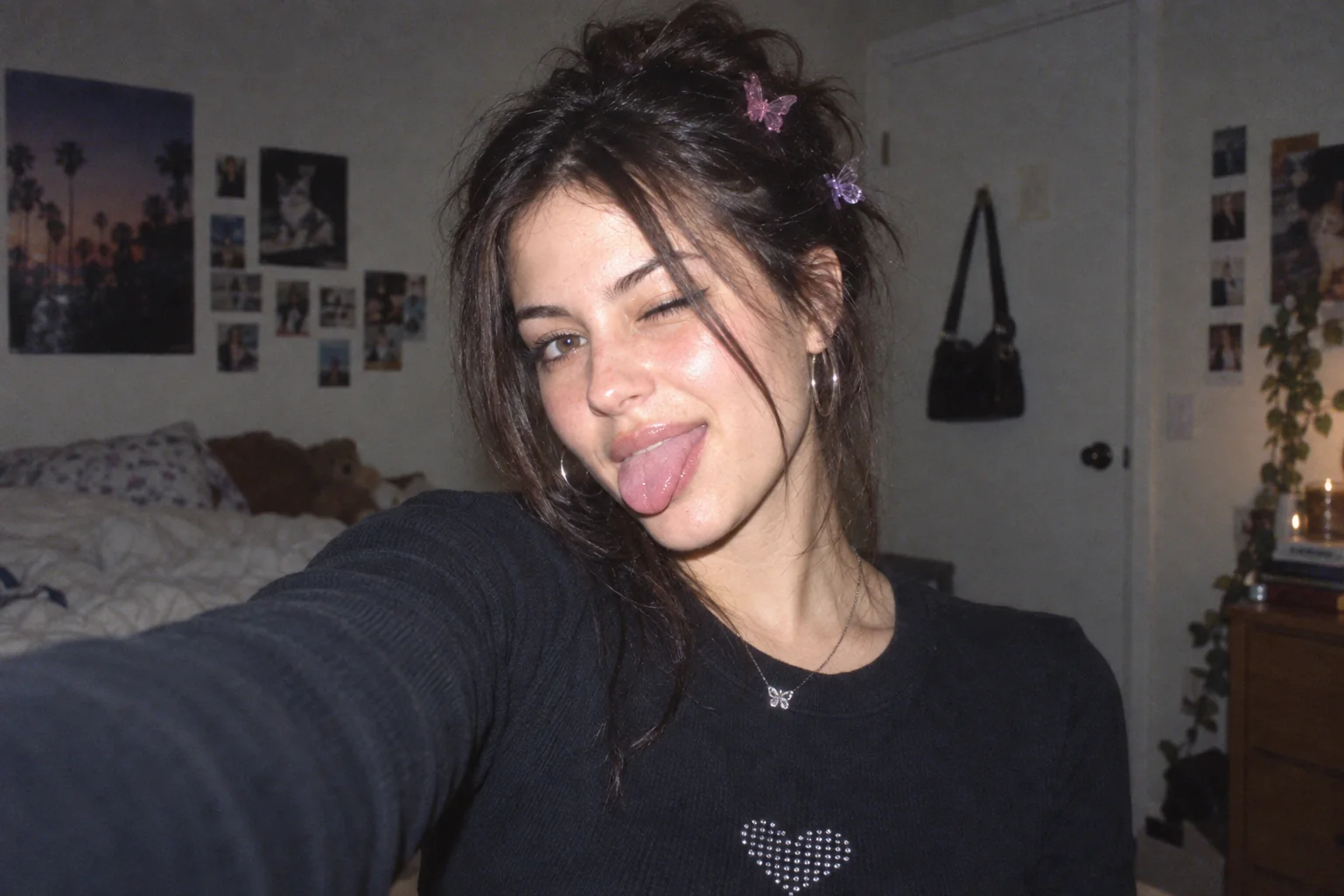 OriginalWarm Digicam
Choose a photo to start editing.
Sample photo
JPG · no watermark · up to 1080px wide
Loading the sample photo.
Your photo stays in this browser. Nothing is uploaded.
Choose a digicam preset to load its controls in the editor above.
Warm flash portrait color, gentle grain and a soft highlight glow.
A warm early-phone snapshot with softer detail and visible sensor grain.
Cooler CCD color with brighter highlights and a little extra edge separation.
A close flash look with vivid color and brighter highlight bloom.
Lower contrast, warm color and softly lifted shadows.
Bright, saturated early-2000s color with visible compact-camera grain.
Direct flash, dark corners and a strong date-stamp option.
Warm light leak-inspired color with a faded, compact-camera finish.
A punchier retro-camera treatment with grain and softened edges.
A grain-forward snapshot with restrained color and subtle fade.
Higher contrast, saturated color and a stronger corner vignette.
A quieter, low-contrast color treatment with lifted dark tones.
Hard flash, small-camera grain and an orange date in the corner.
The cool, saturated CCD-era look with gentle color fringing around highlights.
Soft detail, warmer skin tones and moderate sensor grain.
A bright near-field flash with soft focus, warm skin and a mild glow.
Choose flash, CCD color or early-phone softness. These ranges are starting points.
| Era | Camera traits | What to look for | Starting controls |
|---|---|---|---|
| 1997–2003 Early compact | 1–3MP sensors and direct built-in flash. | Hard flash falloff, with an orange camera date burned into a corner. | Highlights 58–64 Bloom 20–26 Grain 26–34 Date stamp on |
| 2004–2008 CCD peak | More capable CCD sensors, still with soft highlight roll-off and a cool, saturated cast. | Bright objects have a gentle halo; colors feel a little too confident. | Bloom 10–16 Aberration 10–16 Warmth 38–44 Grain 18–26 |
| 2009–2012 Early phone | The iPhone 4 era: softer detail, warmer color and a simpler camera look. | The whole image is slightly soft, which can flatter skin. | Grain 35–45 Softness 25–35 Warmth 55–62 Saturation 40–48 |
Each edited panel is rendered by this browser editor from the labeled generated demo photo. These are tool examples, not customer images.
Choose a JPG, PNG or WebP up to 5 MB, drop it into the editor, or paste it from your clipboard.
Apply Warm Digicam or pick a 1990s compact, CCD-era or early-phone preset. Fine-tune the controls if you want.
Compare the original and edited photo, then export a no-watermark image up to 1080px wide within the daily free allowance.
Give a modern photo an older compact-camera look: choose 1999 Compact for direct flash and an orange date, CCD Classic for cool color and glowing highlights, or Early Camera Phone for softer, warmer detail. Adjust grain, color, softness and bloom. These digicam looks are artistic simulations, not reconstructions of specific sensors.
Choose 1997–2003 for a compact-camera flash and date stamp, 2004–2008 for cool saturated CCD color, or 2009–2012 for a softer early-phone look.
Yes. Add a photo from a current phone and choose an era preset; the effect is rendered locally in this browser.
People use digital camera filter, digital cam filter and digicam filter for similar retro digital-camera looks. This page covers those styles.
This is a browser-based editor with its own presets and controls. It is an independent tool and is not affiliated with DigiCamFX.
You can make a similar broad retro-camera look here with presets for flash, CCD color, grain and softness. These are original presets, not Dazz Cam effects.
Yes. All current presets and controls are free to use in your browser.
No. We never add a watermark to your downloaded photo.
No. Your photo is decoded, edited and exported on your device; the image is not uploaded to an image-processing server.
No. Use a modern desktop or mobile browser without installing an app or creating an account.
Free downloads are limited to 1080 pixels wide and five exports per UTC day. The allowance resets at midnight UTC.
Choose, drop or paste a JPG, PNG or WebP image up to 5 MB. The editor reads it locally in your browser.
Current free exports are for personal use. A commercial license is planned, but it is not available yet.
Yes. Choose another preset, change the controls or use Reset adjustments before downloading. Your original photo is kept for comparison in the editor.
Every current effect and preset is free to use. Downloads have no watermark, are limited to 1080px wide and share a limit of 5 exports per UTC day. Pro is not available yet.
| Capability | Free | Pro (coming soon) |
|---|---|---|
| Photo effects & presets | All available presets | No paid preset is live |
| Image exports | No watermark · up to 1080px wide | Original-size export · Coming soon |
| Daily export allowance | 5 exports · resets at midnight UTC | Not available yet |
| Batch processing | One image at a time | Coming soon |
| Video filters | Photo editing | Coming soon |
| Saved presets | Use built-in presets | Save and share presets · Coming soon |
| Commercial use | Personal use | Commercial license · Coming soon |
No account or payment is needed for free editing. Paid features and the waitlist are not open yet.
Share the browser editor on a compatible site. Photos are still processed on the visitor’s device.