Add a photo
Choose a JPG, PNG or WebP up to 5 MB, drop it into the editor, or paste it from your clipboard.
Push a photo into a dreamy neon palette. Start with Miami, Seapunk or Classic Vapor, then tune the gradient, glow and optional overlays.
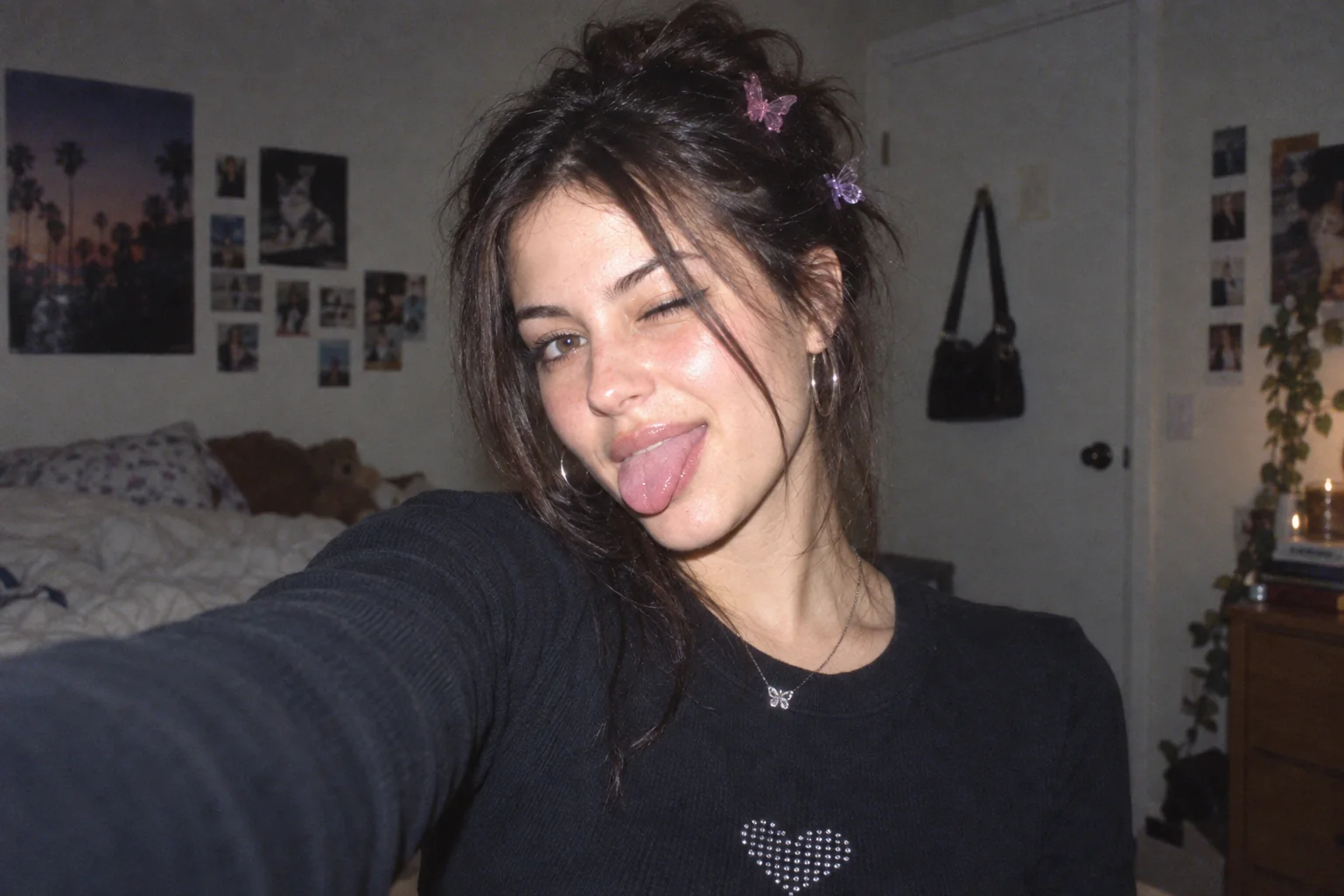 OriginalSeapunk
Choose a photo to start editing.
Sample photo
JPG · no watermark · up to 1080px wide
Loading the sample photo.
Your photo stays in this browser. Nothing is uploaded.
Your image stays in the browser while the editor applies the effect. Use the preview divider to check the difference before downloading.
Color mapping sets the palette. Optional grid and text overlays are grouped under More controls.
For a generated neon or horizon-grid design to pair with your vaporwave photos, explore the Y2K wallpaper generator.
The same original sample is rendered locally with each preset. It is a generated demo image, not customer work.
Choose a JPG, PNG or WebP up to 5 MB, drop it into the editor, or paste it from your clipboard.
Start with a preset. Open More controls when you want to tune the individual effect.
Drag the divider to compare the original and edit, then export a no-watermark free copy up to 1080px wide within the daily allowance.
Every current effect and preset is free to use. Downloads have no watermark, are limited to 1080px wide and share a limit of 5 exports per UTC day. Pro is not available yet.
| Capability | Free | Pro (coming soon) |
|---|---|---|
| Photo effects & presets | All available presets | No paid preset is live |
| Image exports | No watermark · up to 1080px wide | Original-size export · Coming soon |
| Daily export allowance | 5 exports · resets at midnight UTC | Not available yet |
| Batch processing | One image at a time | Coming soon |
| Video filters | Photo editing | Coming soon |
| Saved presets | Use built-in presets | Save and share presets · Coming soon |
| Commercial use | Personal use | Commercial license · Coming soon |
No account or payment is needed for free editing. Paid features and the waitlist are not open yet.
Share the browser editor on a compatible site. Photos are still processed on the visitor’s device.
The presets use pink, purple and cyan to separate colorful highlights from cooler shadows. Miami starts with pink sunset light; Seapunk uses brighter cyan and magenta edges. Adjust Purple-pink map to blend more or less of that palette into your original photo.
Choose Seapunk, then tune Purple-pink map, Neon glow and Color separation. The preset starts with electric cyan and magenta edges; Miami is the alternative when you want a softer pink-sunset treatment.
Yes. Open More adjustments and turn Sunset grid off. The grid is an independent overlay, so the selected palette and glow remain. You can also switch the decorative Neon title off for a color-only edit.
Lower Neon glow first, then reduce Purple-pink map if you want more of the original skin color. Dream Sequence offers a quieter starting point than Seapunk. Compare the edited image with the original before exporting.
It blends nostalgic digital imagery with dreamy pink-purple color, neon glow and retro visual cues such as a horizon grid.
Yes. Open More adjustments to toggle the Sunset grid and the decorative Japanese Neon title independently.
Both can use neon colors and retro grids. This editor leans into softer, dreamier vaporwave color; use the glow and grid controls for a brighter synthwave-like result.
Yes. All current presets and controls are free, and downloads have no watermark. Choose a JPG, PNG or WebP up to 5 MB; no app or account is needed.
No. Your photo is decoded, edited and exported on your device; the image is not uploaded to an image-processing server.
Free downloads are limited to 1080 pixels wide and five exports per UTC day. The allowance resets at midnight UTC.
Current free exports are for personal use. A commercial license is planned, but it is not available yet.